How Department Stores Are Streamlining Resets with The HandyCart Workstation™
Goodbye Cluttered Setups — Hello Organized, Efficient Merchandising
Intro:
Department stores are constantly evolving. With seasonal product shifts, rotating displays, and in-store events, teams are under pressure to re-merchandise fast — without disrupting the customer experience.
But the tools? Many stores are still relying on outdated merchandise carts, scattered merchandiser tools, and improvised scan coordinator carts that slow work and create clutter.
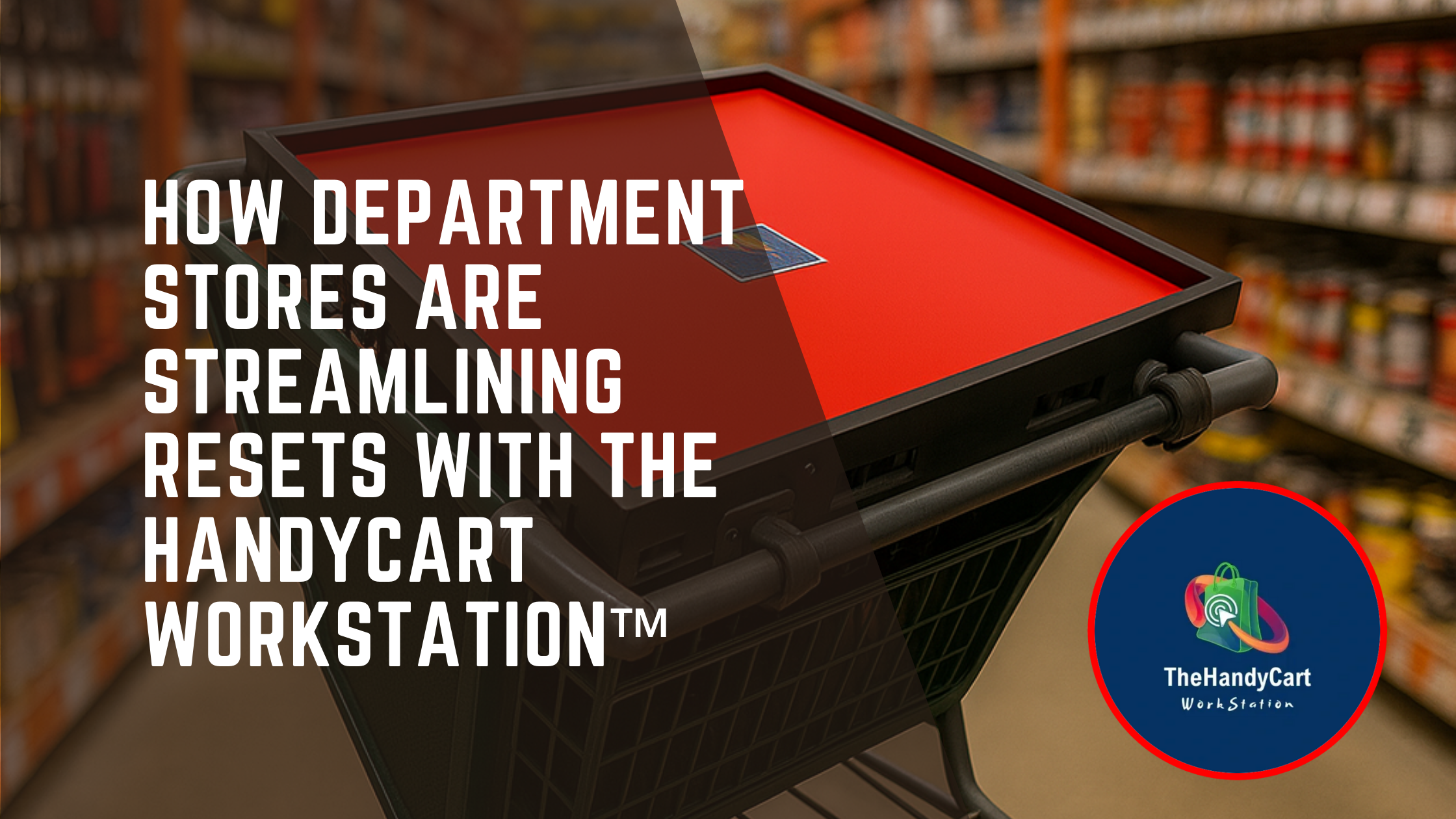
That’s why more department store teams are turning to The HandyCart Workstation™— a mobile platform that converts any cart into a clean, functional command center for resets, audits, and signage updates. It even works with a standard grocery cart organizer or scan coordinator tools setup to centralize all your essentials.
🧠 Why This Matters for Department Stores
Multiple departments = multiple workflows
Floors must stay clean and safe for customers during work
Store associates need mobile access to grocery tools while moving fast
Using boxes, trays, or rolling bins often results in clutter, lost items, or safety issues
“We used to have 3 carts rolling around with trays and loose signs. HandyCart gave us a system. It’s a game-changer during resets.”
– Visual Merchandising Lead, National Department Store
🧩 Common In-Store Challenges
Frequent planogram resets (home goods, clothing, cosmetics)
Seasonal signage changes across departments
In-store displays that need last-minute adjustments
Limited floor space — especially during working hours
Constant movement between backroom and sales floor
Using merchandiser tools and well-organized scan coordinator carts prevents errors and keeps work flowing smoothly.
🧰 Why HandyCart Works for Department Stores
Organizes signage, printers, tape guns, scanners, and merchandiser tools
Rolls easily between clothing racks and narrow spaces, replacing bulky merchandise carts
Saves time traveling between backroom and sales floor
Helps visual teams, operations, and stock crews stay in sync
Keeps floors clear — no bread trays, trip hazards, or loose grocery tools
HandyCart can also serve as a grocery cart organizer, providing a structured space for all scan coordinator tools and aisle-ready materials.
✅ Key Benefits
Reduces visual clutter during merchandising hours
Accelerates team performance during late-night or early-morning resets
Improves accuracy with signage, scanners, and display materials
Supports consistent brand standards across multiple locations
Makes resetting faster and more professional compared to traditional merchandise carts
💬 FAQ – Department Store Edition
Q: Can HandyCart be used for apparel sections?
A: Yes! It rolls easily on tile, carpet, and polished floors — and is narrow enough to fit between most racks and fixtures. It works better than a standard scan coordinator cart for moving signage and tools.
Q: Is it just for signage?
A: No — it’s perfect for planogram materials, markdown guns, scanners, and all essential merchandiser tools.
Q: How many team members can use it?
A: One per workstation is ideal, but teams often share The HandyCart Workstation™ across departments or shifts, using it alongside other grocery tools or a grocery cart organizer for efficiency.
🎯 Conclusion
Visual merchandising doesn’t have to mean visual chaos. The HandyCart Workstation™ helps your store teams stay organized, move faster, and get more done — without leaving a mess behind.
By replacing old merchandise carts, unstructured scan coordinator carts, and scattered merchandiser tools, HandyCart creates a single mobile solution that supports professional, efficient execution.
👉 Order yours or request a quote at www.thehandycart.com