One Cart, Every Department: How Retail Managers Use The HandyCart Workstation™ Across the Store
By George Goodwin
Retail managers juggle a lot every day. Pricing changes, shelf resets, vendor deliveries, planogram updates, audits, and customer-facing priorities all compete for attention — often at the same time. What many managers don’t realize is that a big part of these challenges comes down to how work moves through the store. That’s why more retail leaders are using The HandyCart Workstation™ as a single, mobile solution that supports every department, from the backroom to the front of shelf. One cart. One hub. Endless use cases. Let’s look at how retail managers use one mobile workstation to keep pricing, merchandising, DSD, and operations running smoothly across the entire store.
Managing a store in 2026 is all about speed and flexibility. You’ve got different teams—from Pricing coordinators to Reset teams—all trying to keep the store running smoothly without getting in each other's way. The biggest drain on your productivity isn't the work itself; it's the constant walking back and forth to the back office. That’s why The HandyCart Workstation™ has become the go-to tool for retail managers. It’s a single, mobile solution that supports every department, from the loading dock to the Front of shelf.
Why Retail Managers Need One Tool That Works Everywhere
Retail doesn’t happen in one place. Work moves constantly between:
Offices
Backrooms
Receiving
Aisles
Center store
Endcaps and displays
When tools are scattered, time gets wasted. Teams walk more, communicate less, and fix the same problems twice. According to retail workflow studies:
“Stores lose up to 30% of productive labor time due to inefficient movement and poor tool organization.”
A mobile workstation cart gives managers one shared resource that follows the work — instead of forcing teams to chase tools around the store.
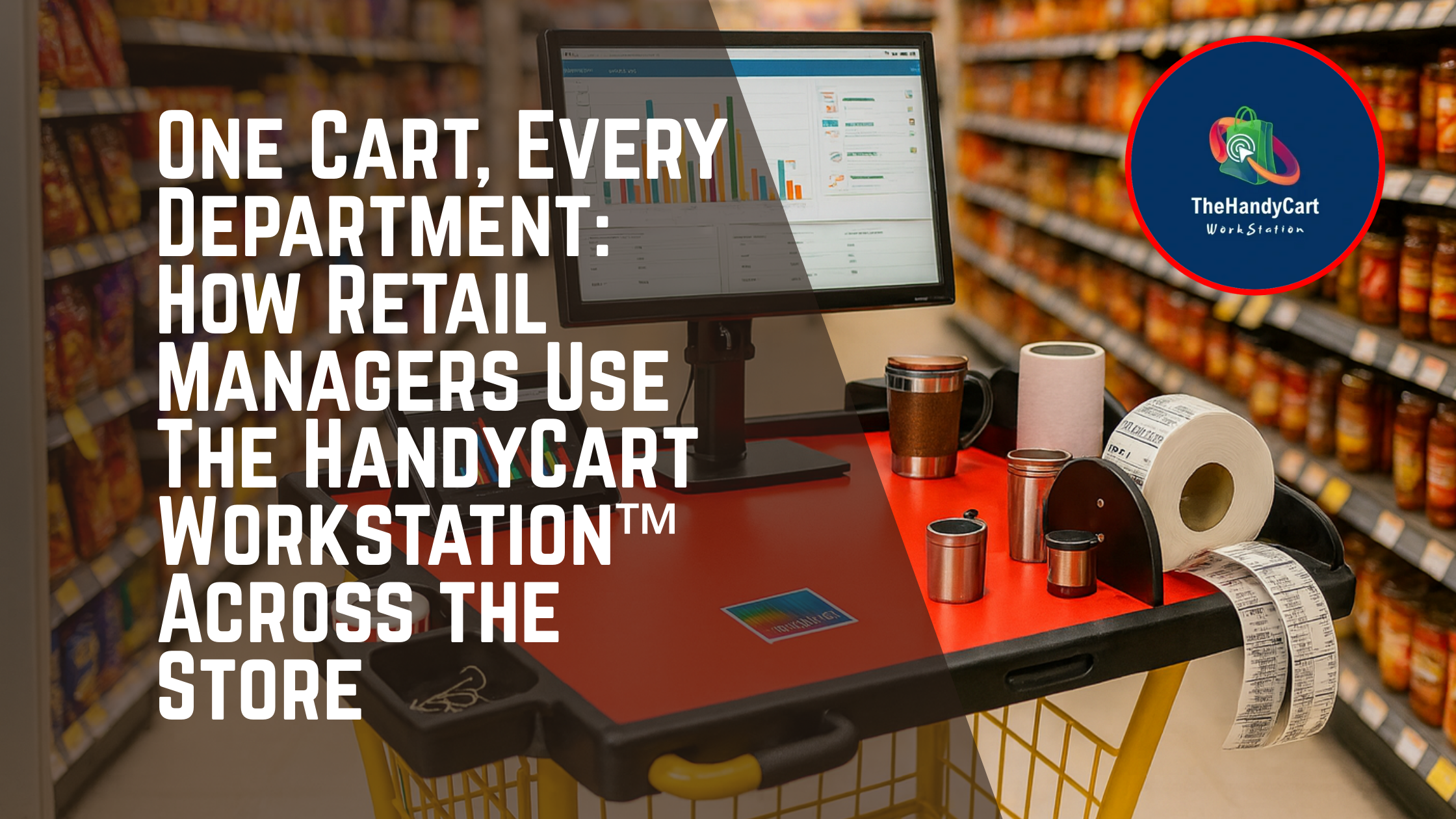
How Retail Managers Use One Cart Across Every Department
1. Pricing & Scan Teams: Accuracy at the Shelf Edge
For Scan Coordinators, Scan Analysts, and Pricing Coordinators, accuracy starts at the shelf — not in the office. Retail managers use The HandyCart Workstation™ to keep:
Pricing guns
Scan reports
Shelf tags
Laptops or tablets
right at the shelf edge, where corrections can happen immediately. This also supports Shelf Edge Specialists and Shelf Edge Managers, who are responsible for compliance and audit readiness.
For a Scan Coordinator or Scan Analyst, accuracy is everything. If the price on the shelf doesn't match the register, you've got a problem.
Real-Time Fixes: Instead of taking notes and heading to a back office, Pricing coordinators roll the workstation right to the Center store.
On-the-Spot Printing: Taggers and Shelf Edge Specialists can use an onboard thermal printer to replace incorrect tags instantly.
Shelf Edge Excellence: A Shelf Edge Manager can audit an entire aisle without ever leaving the floor, ensuring the Front of shelf is always 100% compliant.
2. Reset Teams & Planogram Execution
Resets are one of the most time-sensitive tasks in retail. Reset teams, Reset Merchandising Managers, and Planogram Merchandisers use the cart as a mobile reset hub that holds:
Planogram binders
Fixtures and tools
Shelf tags and signage
Reset instructions
Merchandising Execution Associates can work faster and cleaner when everything they need is staged in one place — instead of spread across the aisle.
When the seasons change, your Reset teams have a massive job to do. This is where a mobile workstation really shines for a Reset merchandising Manager.
Digital Planograms: A Planogram Merchandiser can pull up full-color digital blueprints on a mounted monitor right in the aisle.
Visual Precision: Visual merchandisers can compare the physical display to the design in real-time, making sure every product is placed perfectly.
Team Support: Merchandising Execution Associates have a mobile "command center" for all their tools, labels, and cleaning supplies, reducing the time spent hunting for equipment.
3. Center Store Operations: One Hub for Multiple Roles
The center store is where most activity overlaps. At any given time, you may have:
Merchandisers stocking and facing
Shelf Associates recovering shelves
Taggers replacing labels
Merchandising Associates/Specialists executing task lists
Retail managers use The HandyCart Workstation™ as a shared command center to reduce congestion and keep tools organized.
4. DSD & Wholesale Delivery Support
DSD (Direct Store Delivery) and wholesale grocers add another layer of complexity. Managers use mobile workstations to:
Verify deliveries
Review invoices
Align pricing with shelf placement
Coordinate vendor work
Having everything on one cart reduces delivery errors and speeds product flow from receiving to shelf.
The loading dock is the busiest part of the store. For Wholesale grocers, managing Direct Store Delivery (DSD) accurately is the difference between profit and loss.
DSD Efficiency: Your receiving team can meet DSD drivers at the bay door with a mobile station.
Immediate Verification: Verify invoices and check in stock on the spot to catch vendor errors before the truck pulls away.
Fast Stocking: Shelf Associates and Merchandisers can take the checked-in stock straight to the floor, keeping the workflow moving.
Industry Fact: "Retailers who implement mobile technology at the point of task report an increase in inventory accuracy by over 15% and a significant reduction in labor hours spent on administrative travel."
5. Visual Merchandising & Front-of-Shelf Execution
Presentation matters. Visual merchandisers work where customers shop — at the front of shelf. With a mobile workstation, visual teams can:
Stage display tools
Store signage and props
Adjust layouts quickly
Keep the sales floor clean
Retail managers love that displays get done faster without cluttering aisles.
Why One Cart Works Better Than Many Tools
Instead of separate carts, tables, and desks for each department, The HandyCart Workstation™ becomes a shared asset that adapts to the task at hand.
“Retail teams using shared mobile workstation hubs report up to a 25% improvement in task completion speed and cross-team coordination.”
One cart supports:
Pricing
Scanning
Resets
Planograms
DSD
Visual merchandising
All without adding clutter or cost.
Key Takeaways
✔ One mobile workstation can support every department in the store
✔ Ideal for Scan Coordinators, Pricing Coordinators, Reset Teams, and Merchandisers
✔ Reduces wasted movement and duplicated work
✔ Improves execution in the center store and at the front of shelf
✔ Helps retail managers keep teams aligned and efficient
FAQs: Using One Mobile Workstation Across the Store
1. Can the HandyCart handle narrow aisles?
Yes! It is designed with a compact footprint specifically to navigate crowded Center store aisles without blocking customers or shopping carts.
2. Does it support all retail tech?
Absolutely. It is built to securely hold laptops, tablets, thermal printers, and barcode scanners, often with integrated power options for a full shift.
3. How does this help with Wholesale grocers?
It allows for faster check-ins of large Wholesale grocer shipments and DSD orders, ensuring that inventory data is updated the second it enters the building.
4. Is it good for wholesale grocers and DSD operations?
Yes. It supports delivery verification, pricing alignment, and shelf placement.
5. Where can retail managers buy The HandyCart Workstation™?
You can order directly from the official website:
👉 www.thehandycart.com
Future-Proof Your Store Operations
Efficiency in 2026 means empowering your Merchandising Associate/Specialists, Taggers, and Reset teams to work where the products are. Don't let your best people waste their time walking across the store.
Retail managers don’t need more tools — they need better ones. The HandyCart Workstation™ gives managers a single, flexible solution that works across every department, every shift, and every task — helping teams work faster, cleaner, and more accurately.
👉 See how one cart can change your store at www.thehandycart.com