The Best Tools Retailers Need for Setting Shelves and Seasonal Tags
Introduction
Shelf resets and seasonal changes are some of the busiest times in retail. Without the right tools, these projects can drain employee morale, waste hours, and lead to mistakes that frustrate customers. The solution? Equip your team with modern merchandiser tools, dedicated grocery tools, and efficient systems designed for real retail execution.
Many retailers now rely on specialized equipment such as scan coordinator carts, merchandise carts, and even compact grocery cart organizers to keep operations smooth. When paired with the right workflow, these tools eliminate unnecessary steps and improve accuracy across the store.
Essential Tools for Shelf Resets
1. Mobile Scanners and Devices
Employees can scan barcodes, update inventory counts, and adjust pricing on the fly. These devices pair perfectly with scan coordinator tools, allowing teams to move quickly during large resets.
2. Mobile Printers
Instead of walking back to the office, teams can print shelf tags right in the aisle. A must-have for accuracy and speed—and even more effective when stored properly inside a merchandise cart or grocery cart organizer during busy shifts.
3. Labeling Supplies
Having labels, adhesive, and signage at hand reduces interruptions. Most stores keep these supplies organized in merchandiser tools or on dedicated scan coordinator carts used during price changes and weekly tag updates.
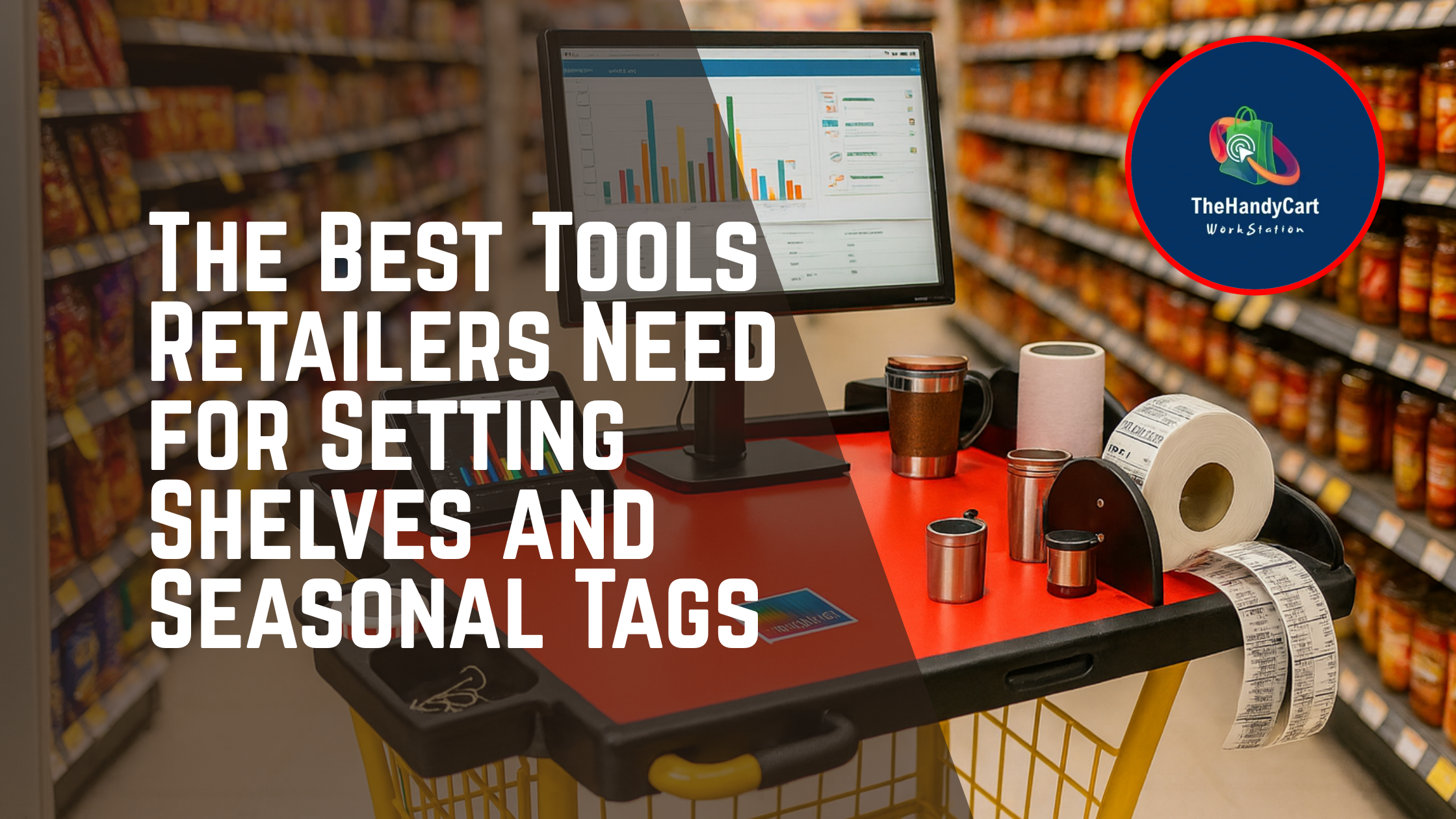
4. The HandyCart Workstation™
The biggest game-changer is a mobile workstation that carries scanners, printers, and supplies. Instead of juggling multiple tools, employees have everything in one organized, portable cart.
The HandyCart Workstation™ also functions as a modern grocery tools solution—offering a structured alternative to traditional reset equipment. Whether used by merchandisers, scan coordinators, or store teams, it replaces cluttered setups with a system that actually works.
Key Takeaways
✅ Resets need mobile-first tools, not outdated manual processes.
✅ Mobile printers + scanners save hours per project.
✅ HandyCart Workstation™ consolidates everything into one workstation, outperforming traditional merchandise carts and providing a more organized alternative to scan coordinator carts.
FAQ
Q: Why are mobile printers so critical?
A: Pricing errors are one of the biggest causes of customer frustration. Printing tags directly on the floor—especially when using organized scan coordinator tools—cuts down mistakes and wasted time.
Q: How much faster can resets be with the right tools?
A: Stores using mobile solutions like HandyCart report 20–30% faster resets, thanks to having all merchandiser tools and supplies in one workstation rather than scattered across several carts.
Q: Is HandyCart only for grocery?
A: No—while built for grocery, it also supports seasonal resets in hardware, department, and pet stores. Any team using grocery tools, merchandise carts, or scan coordinator carts will benefit from HandyCart’s streamlined design.
Conclusion
Resets don’t have to drain your team. By investing in the right tools—especially mobile devices, printers, and the HandyCart Workstation—you give employees the structure they need to execute flawlessly. For teams currently relying on mismatched merchandise carts, traditional grocery cart organizers, or improvised scan coordinator carts, HandyCart delivers a more professional and efficient alternative.
👉 See how HandyCart streamlines resets here
Sources: